◇
One SDK, every format
Request, render, done. A single integration covers banner through rewarded video — no per-format libraries to maintain.
One lightweight SDK, five ad formats, and demand that has already passed review. You keep 70% of every verified impression and click, settled straight to your PEP wallet.
Free to join. No minimum traffic, no exclusivity.
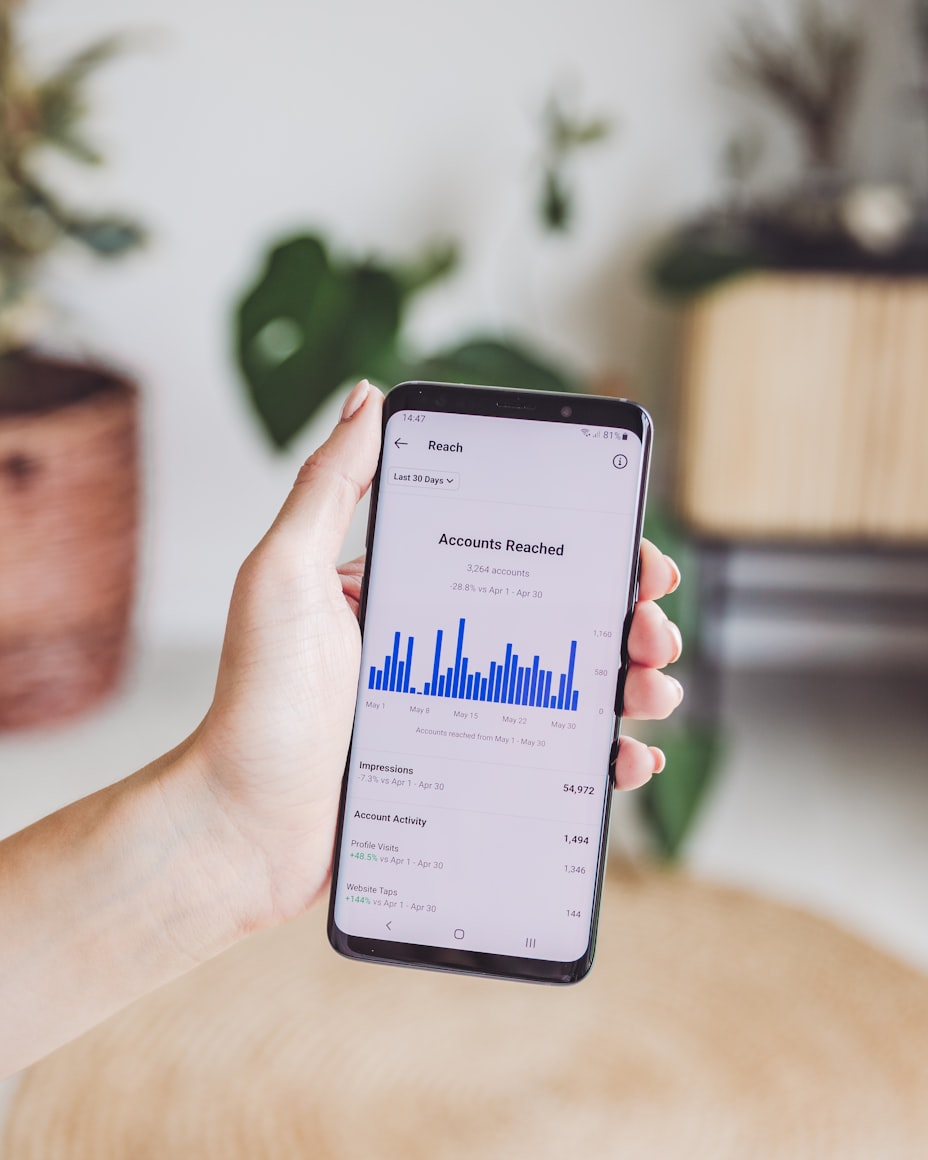
PEP Ads is the ecosystem's own network. Every advertiser is verified, every creative is reviewed, and every dollar is traceable from the impression to your wallet.
Request, render, done. A single integration covers banner through rewarded video — no per-format libraries to maintain.
Every creative you serve has already passed ministry review. You will never wake up to a complaint about what ran in your app.
Earnings are booked per event, per placement, and reconciled against what the PEP economy actually settled to you.
Lean payloads, cached decisions and CDN-hosted creatives — designed for the devices and bandwidth your users actually have.
Register a placement, pick its format, and the serving engine matches it to eligible approved campaigns. Mix formats freely across one app.
A persistent inline strip that refreshes while the screen is open. The simplest placement to add and the steadiest earner on high-session apps.
Best for: utilities, news, everyday toolsA full-screen unit shown at natural breaks — between levels, after a task, on return to the home screen. Higher value per impression than banner.
Best for: games, step-based flowsUsers choose to watch in exchange for something — an in-app item, or Pepcoin from the reward pool. Completion is verified server-side before anything is paid.
Best for: games, content unlocks, free tiersCreative rendered with your own layout and styling, so sponsored items sit inside your feed instead of on top of it.
Best for: feeds, marketplaces, cataloguesShort partner-verified questionnaires. Nothing is billed — and nothing is paid — until the partner confirms the response was completed.
Best for: apps with engaged, returning usersTask-based inventory: install and open an app, complete a signup, make a first purchase. Confirmed by postback before the event counts.
Best for: discovery surfaces, reward hubsFrom account to first impression without a sales call.
Sign up and verify your email. Same account as the QubStore developer console.
Add the app you want to monetize. Apps published in the QubStore are matched automatically to your catalog entry.
Each slot in your app becomes a placement with a format. You get a placement ID to reference from the SDK.
Request an ad, render it, and the SDK reports the impression and click for you. Earnings appear in your dashboard as events verify.
The SDK owns the serving contract: it requests an eligible ad for your placement, renders the creative, and fires the tracking events. You never call the tracking API yourself, and old builds keep working — the contract is versioned.
import { PepAds } from '@pep/ads-sdk';

// 1. identify your app once, at startup
await PepAds.init({ appId: 'app_7f21c9', sdkVersion: 'v1' });

// 2. request an ad for a placement you registered
const ad = await PepAds.request({ placement: 'home_banner' });

// 3. render it — the impression is tracked for you
if (ad) PepAds.render(ad, '#ad-slot');
else showYourOwnFallback();Your share is booked the moment an event passes verification — priced off the advertiser's CPM or CPC bid for that creative, not an opaque blended rate.
 Reconciled to the cent
Fraud filtering happens on our side of the SDK, before an event is ever worth anything — so you are not billed back months later for traffic you never controlled.
Every event must match an ad we actually served to that placement, arrive in a plausible time window, and clear duplicate and velocity checks.
Campaigns serve only after approval, and stay revocable. If a creative is pulled it stops serving in your app immediately.
No incentivised clicking, no hidden or stacked placements, no ads on screens the user did not open. Break them and placements are paused, not silently zeroed.
70% of the advertiser's bid for each verified event on your placement — their CPM bid divided across a thousand impressions, or their CPC bid on a click. Because the split is applied per event, your reporting shows the exact amount every impression and click contributed.
Earnings settle into your PEP wallet through the economy service, which is the sole authority on balances. From there you can spend inside the ecosystem, transfer, or cash out through the wallet's own rails, subject to the KYC tier on your account.
Placements have to belong to a registered, approved app — that is what stops someone claiming impressions from an app that does not exist. Publishing in the QubStore is the fastest route, and it matches your catalog entry automatically.
It is dropped before it becomes revenue for anyone. Events that fail served-record matching, dedup, or fraud scoring never reach the economy service — so nothing is clawed back from you later. Sustained invalid traffic from a placement gets the placement reviewed, and you will hear from us about it.
You choose the format and position of every placement, and all demand has passed ministry review before it can serve anywhere. Category-level blocking for individual apps is on the roadmap alongside advanced targeting.
Android and web at v1, matching where the ecosystem ships first; iOS follows the store's own iOS timeline. The serving and tracking contract is versioned, so an old build in the field keeps working after we ship a new one.
Create a developer account, register your first placement, and put the SDK to work.